To slow down or speed a video clip
In the following article, you will learn how to adjust the speed of video clips.
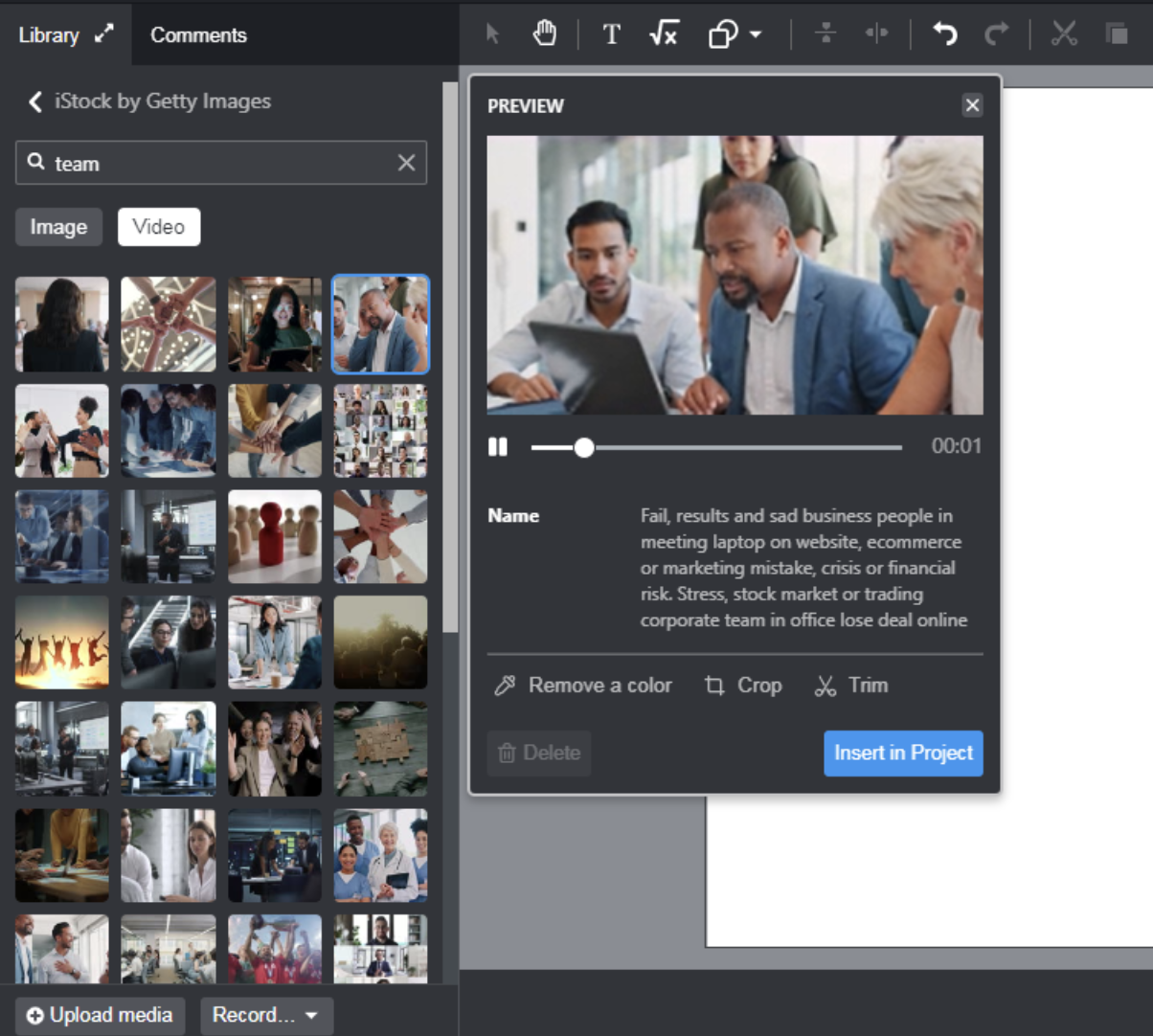
First, you have to add a video clip from your personal library or from one of the stock libraries (for example iStock by Getty Images).
On the Stage, select the video clip and go the properties on the right side. Select Playback.
To slow down or speed up the video clip adjust the slider next to Speed.
To speed up the video drag the slider to the right.
To slow down the video drag the slider to the left.