Add different shapes to your project
With the following instruction, you will learn how easy it is to add shapes to your project.
Step 1: Go to the VideoCreator Pro Studio and click on the Shapes icon above the Stage.
Step 2: Choose which shape you want to use and insert it on the Stage.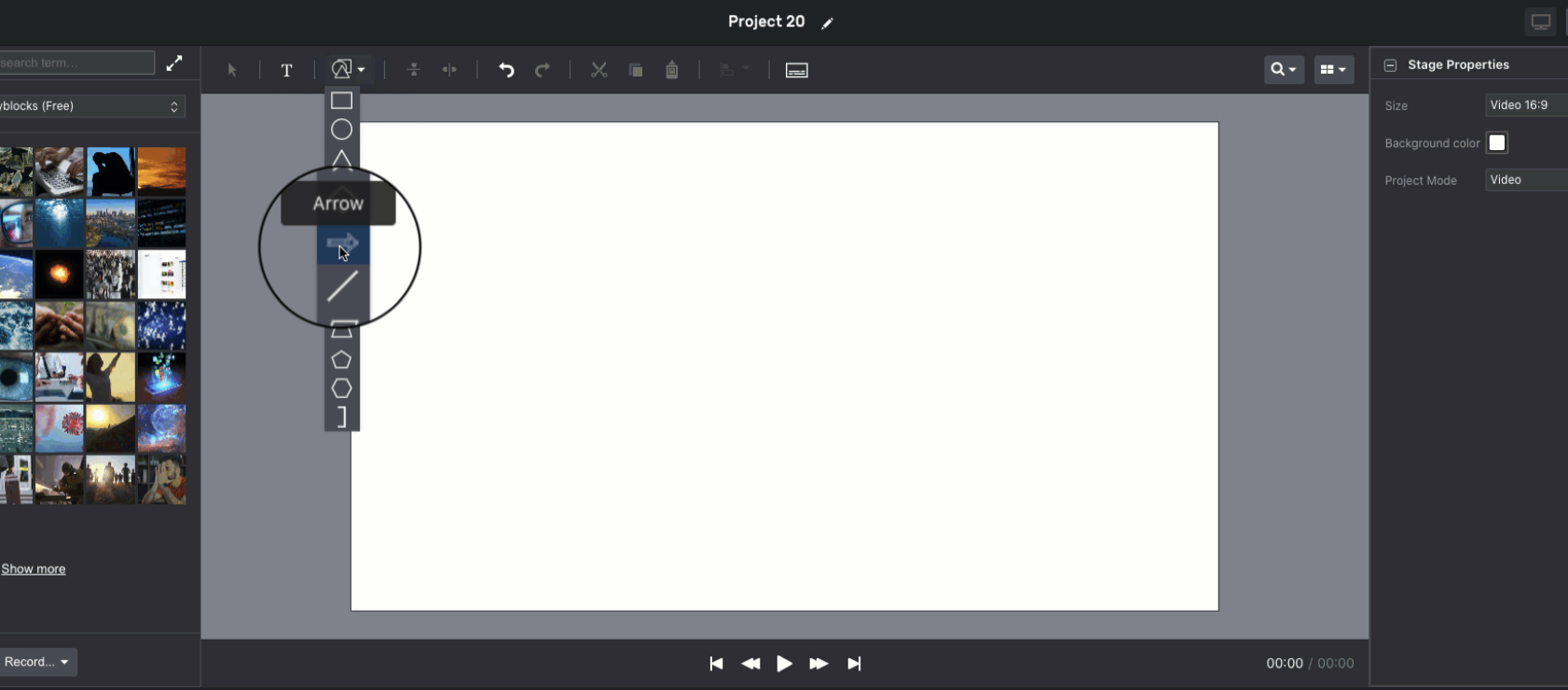
Step 3: Customize the color, border color and opacity in the Shape Properties.