SSO protection
SSO autoprovisioning required
Please keep in mind that a pre-configuration is necessary for the enablement, and playout of SSO protected videos. For more information see this article.
Playout pre-condition
Please note that the playout only works when the video is shared with our new player via page link, otherwise the video won’t be available.
Use SSO protection to restrict video playback to users authenticated in your own Active Directory.
To enable SSO protection:
In the navigation bar, click Security Policies.
Select an existing security policy or create a new one.
In the editing area, select the SSO protection checkbox:
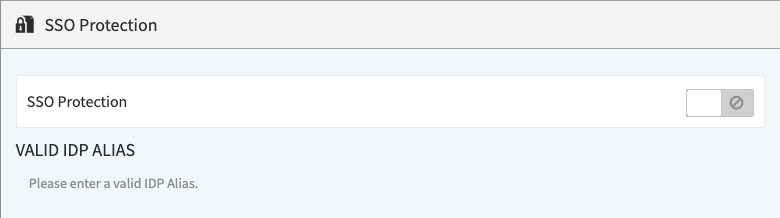
Enter a valid IDP alias in the text box.
How does SSO protection work?
Once the video is shared with the page link, the user will be redirected to the login page of your company’s IDP. After the user is authenticated, the player will be loaded and the playout can be performed.