Description
While your event is in live state you will see an indicator on the top of the event setup page. This shows that the event is currently in live state and all changes are immediately live.
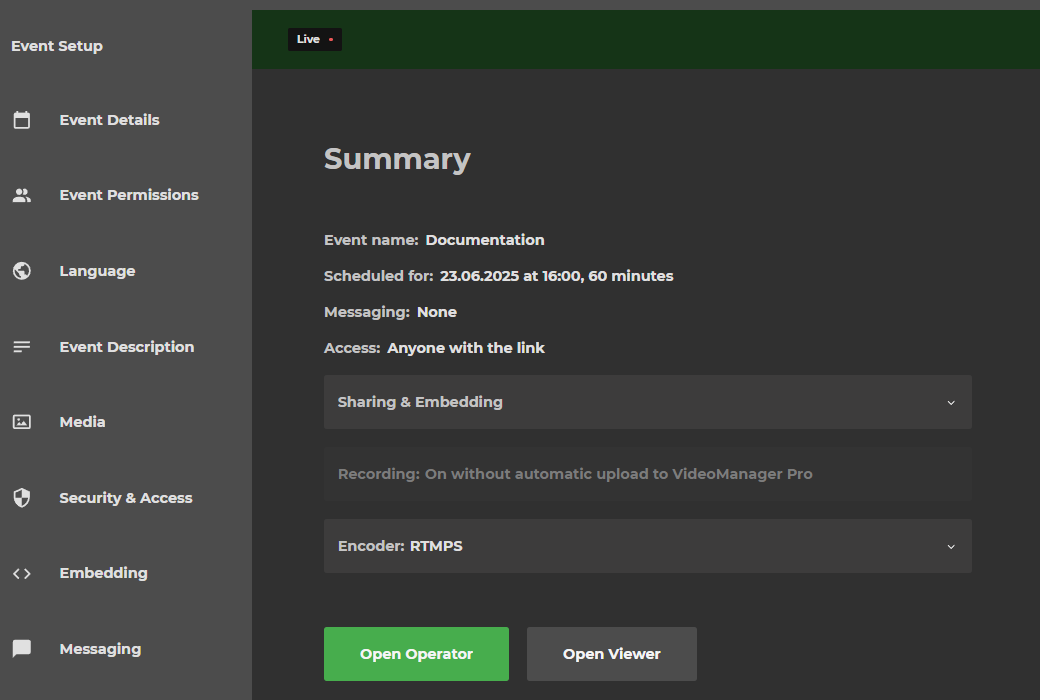
Live notification banner
There are two types of tabs in the event setup. Some tabs can’t be edited while the stream is already live and some can be changed.
Settings that can’t be changed will have a banner that looks like the following picture:

If the settings can be changed the banner will look like this:
