Managing Your Bookings
Description
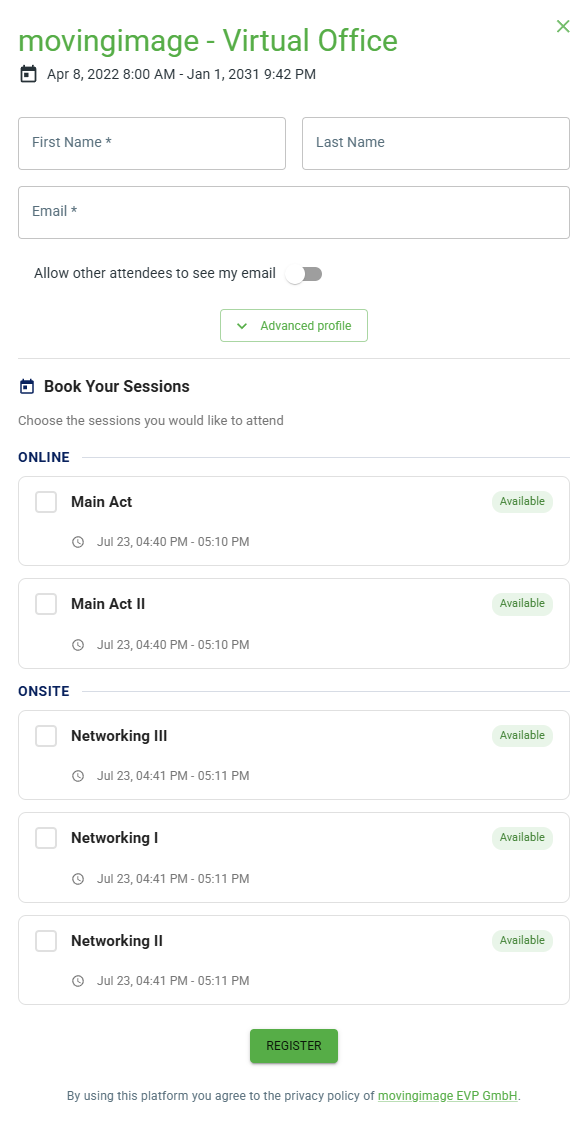
When registering for an event that includes bookings, you can select the sessions or activities that interest you.
The organizer may apply restrictions, such as limiting the number of sessions you can book and/or preventing bookings for sessions that take place at the same time.
Finding the "Manage Your Bookings" Link
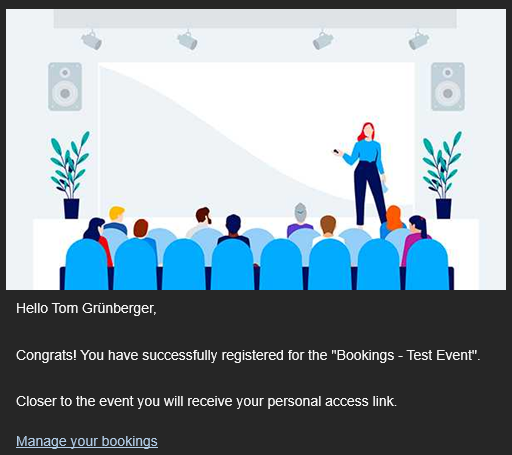
Once you have completed your registration, you will receive a confirmation email containing a "Manage Your Bookings" link that allows you to modify your bookings at any time.
You can also find this "Manage Your Bookings" link in the invitation email that contains your personal access link.
Editing Your Bookings
On the Manage Bookings page, existing bookings can be cancelled and new sessions or activities can be added.
If enabled by the organizer, a confirmation email will be sent after each modification to your bookings.