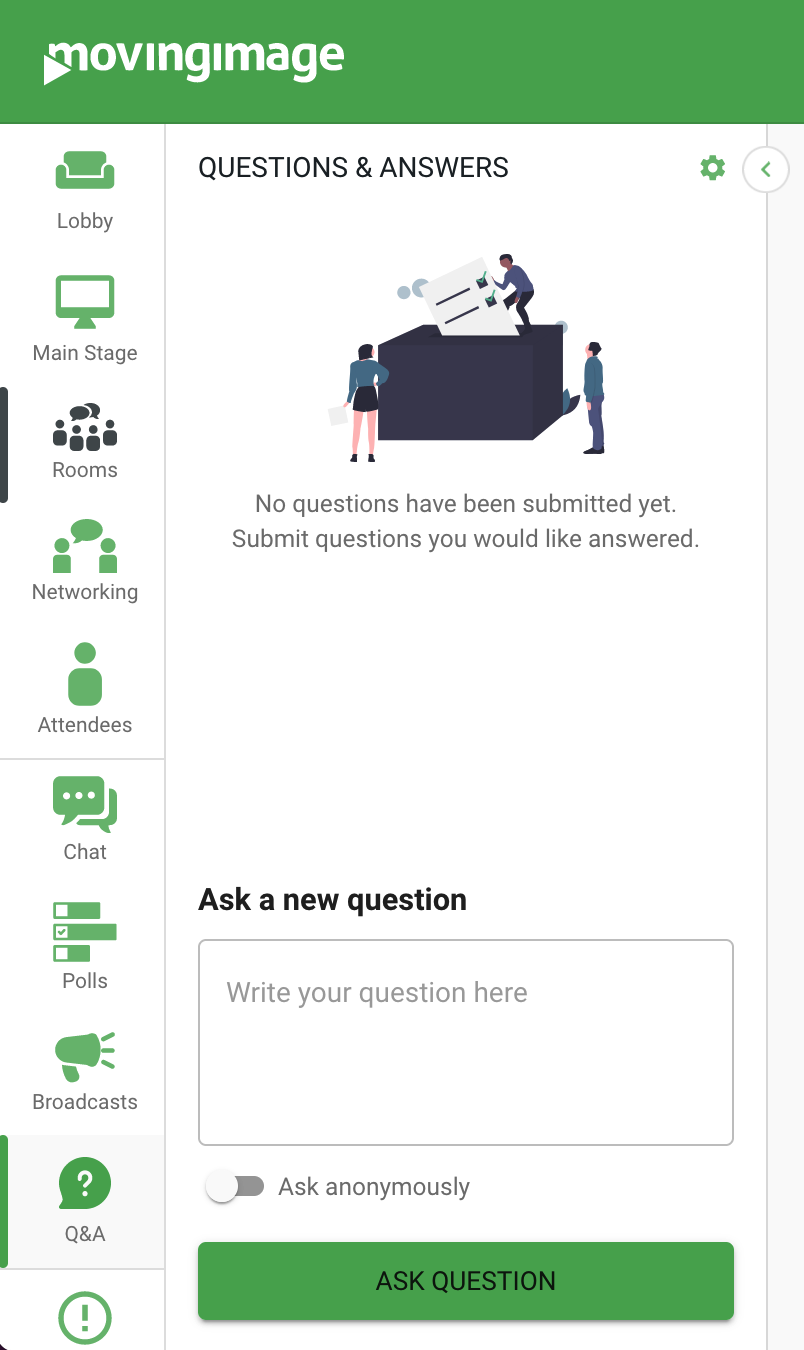
Question and answer sessions can now be found in the navigation bar of your event:
Attendee questions
Here, attendees can submit questions either anonymously or with their identity.
As well, attendees can upvote questions.
Q&A Settings
To access Q&A settings, first click on the cog wheel in the Q&A section, and then click Settings: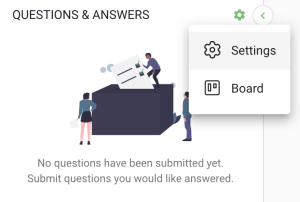
Here, you can customize the title for the Q&A section.
You can also decide if questions must be approved before they become visible to event participants.
It’s also possible to determine if questions remain anonymous, and you can set a character limit for questions and display the time a question was asked.
Finally, you can also enable question upvoting and display answered questions to attendees.
.png)
Q&A Board
To manage questions, click on the cog wheel in the Q&A section, and then click Board:

Here, you manage questions by dragging and dropping them using a board:
.png "image(115).png")
Specifically, you can mark new questions as approved, coming up next, or answered.
As well, you can dismiss questions, which ensures that they will be hidden from view.
You can also delete existing questions by selecting the menu button:
.png "image(116).png")
Reply Question
If you want to reply to a question you can press the “…”-menu and select “Reply”.
You can now write your reply and decide whether this reply should be visible to everyone or only to the author.
Also you can decide if this question should be automatically moved to the answered category.
.png)
Q&A Export
Export your Q&A questions to a CSV file with just 3 clicks:
Go to the Q&A pane for any event.
Click on the Settings icon.
Select Export.
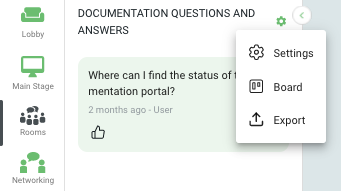
Your Q&A questions will be exported to a CSV file and automatically downloaded to your device. You can then review, analyze, and archive your questions.
Q&A Pane
You can manage questions from the Q&A pane during an event: approve, mark as answered, dismiss, pin, or delete.
Simply navigate to the desired question, and click on the ... menu.
Select Delete and confirm the action in the following prompt.
.png "image(117).png")
Please be aware
Deleting a question is permanent. Once a question is deleted, it cannot be restored.